Project Overview
SafeForms is a modern food safety app designed to simplify food safety workflows and kitchen safety processes for commercial kitchens and food service environments. The platform combines food labeling software, QR-based workflows, temperature monitoring, incident reporting, thermometer calibration, corrective actions, and digital record management into one centralized mobile experience.
Built as a food safety management app and digital food safety solution, SafeForms helps teams improve operational efficiency, maintain accurate records, and streamline food safety procedures through a connected workflow.
Problem Statement
- Delays in recording food safety activities
- Human errors caused by manual processes
- Inconsistent compliance and safety records
- Slow corrective action handling during incidents
- Difficulty maintaining thermometer calibration records
- Limited visibility across kitchen workflows
- Time-consuming audit preparation and documentation
Without a centralized food compliance app, maintaining safety standards and consistent workflows becomes challenging.
Problem Solution
- Replacing manual records with a centralized digital workflow
- Improving visibility across food safety activities
- Reducing human errors in everyday kitchen operations
- Simplifying documentation and audit preparation
- Enabling calibration tracking and corrective action workflows
- Maintaining structured and accurate records
- Helping teams respond faster to food safety exceptions
- Improving response time during food safety incidents
This structured approach helped create a more efficient and connected workflow for food service teams.
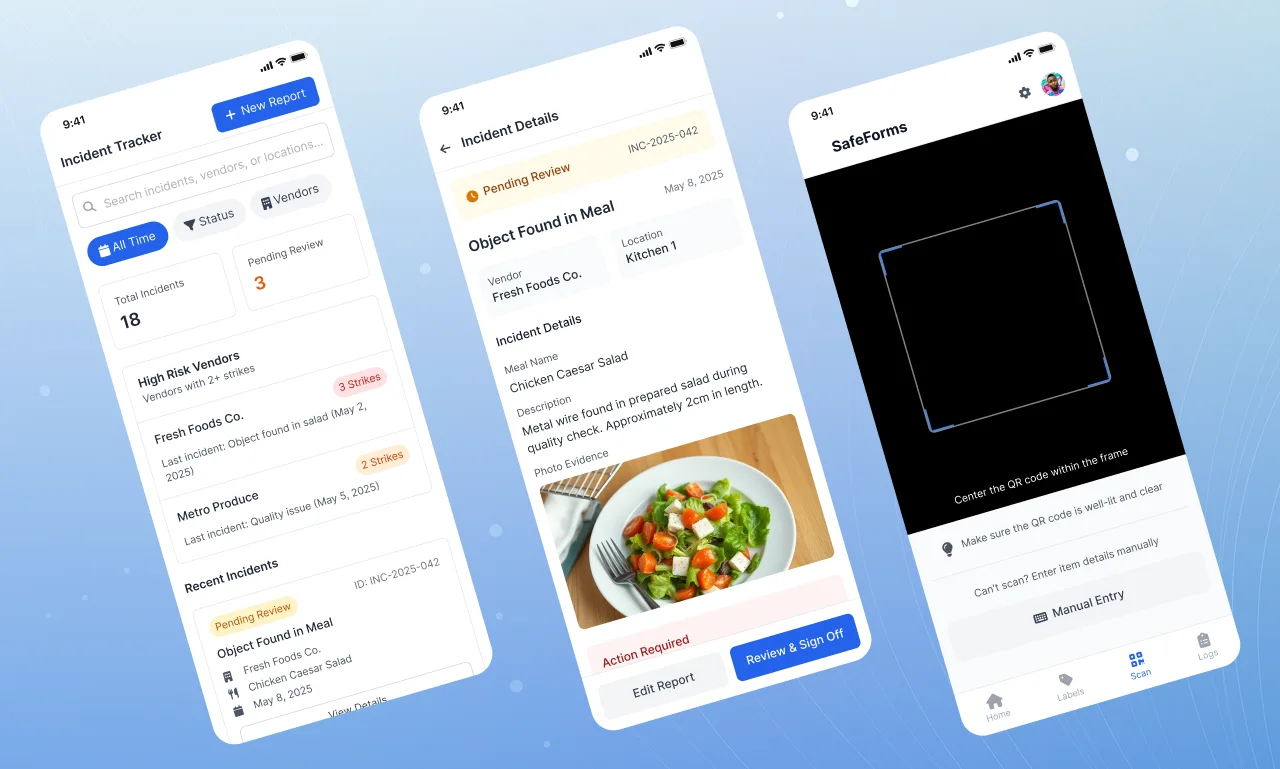
Project Features
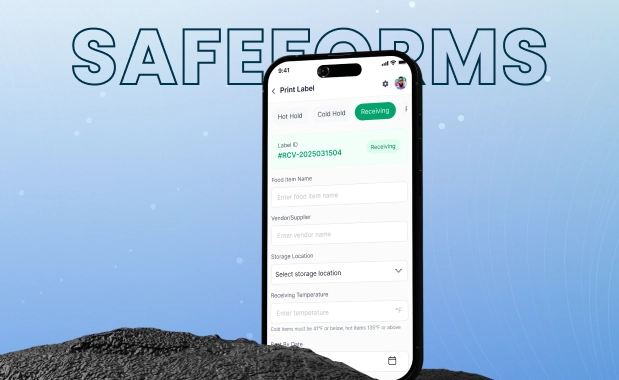
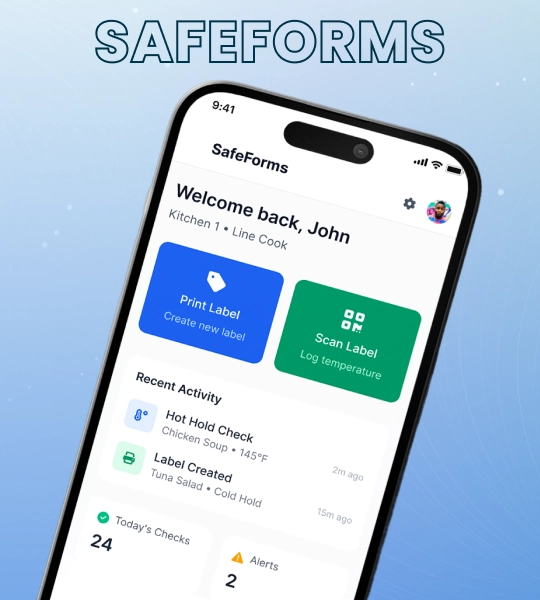
- Smart Food Labeling : Create and manage food labels for hot hold, cold hold, receiving, and calibration workflows.
- QR Code Scanning : Scan food items and access food safety workflows quickly.
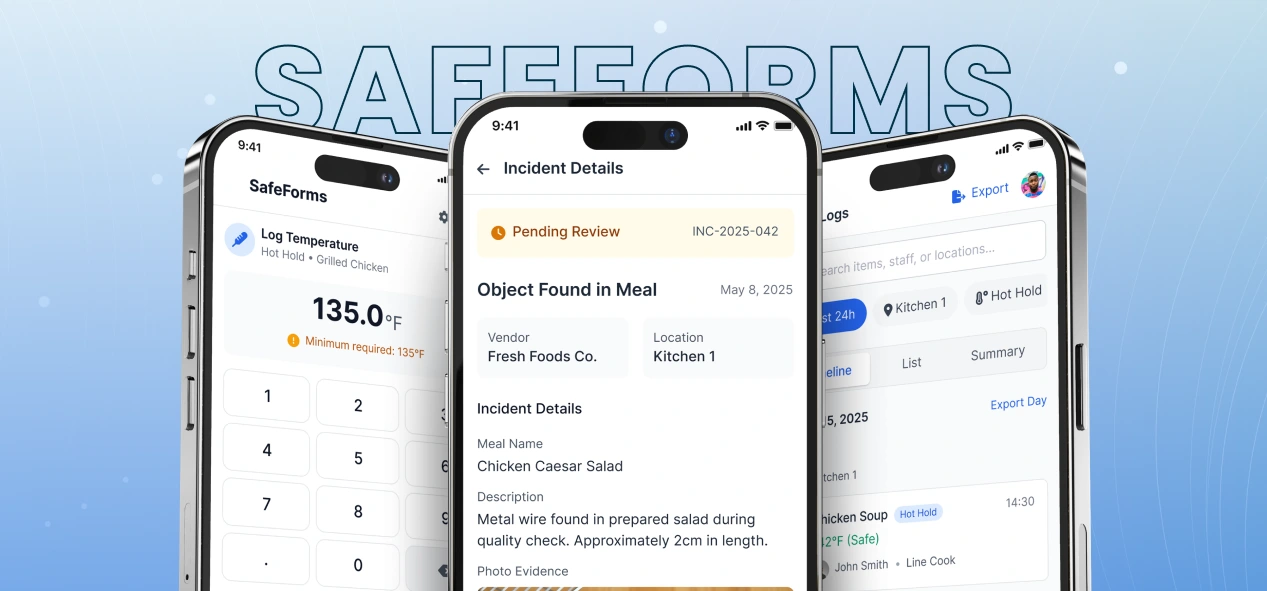
- Temperature Monitoring : Capture and maintain food temperature records through an integrated temperature monitoring app workflow.
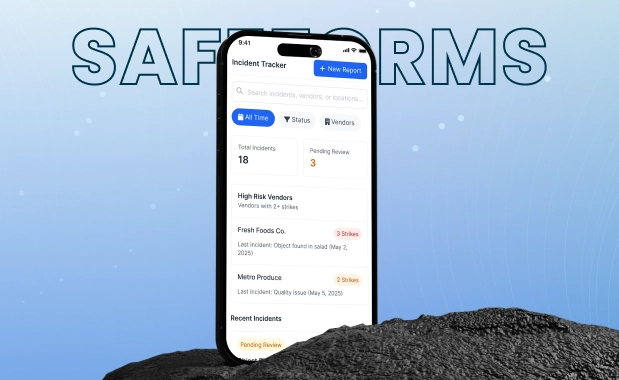
- Incident Reporting & Corrective Actions : Document incidents with notes, record actions, upload images, and employee sign-off.
- Audit & Activity Logs : Maintain organized records, track activities, and support documentation workflows.
- Alerts & Reminders : Receive notifications for safety checks expiring, items, and important actions.
- Report Exporting : Generate PDF and CSV reports for documentation and reporting.
- Thermometer Calibration : Record calibration activities, track accuracy checks, and maintain calibration logs for food safety procedures.
- Corrective Action Tracking : Identify unsafe readings and guide staff through corrective actions to maintain safety standards.
Impact
SafeForms helped organizations replace manual food safety workflows with a centralized food safety app that improved operational visibility, reduced process inefficiencies, and simplified everyday safety management. The solution streamlined documentation, supported faster responses to food safety incidents, and created a more structured workflow for commercial kitchen teams.
By digitizing safety procedures, calibration tracking, and activity records, SafeForms strengthened food safety practices and improved the overall efficiency of daily kitchen operations.