AI Broadcast
Radio
Automation
One text prompt in. Broadcast-ready audio out written, voiced and delivered on air, hands-free.
step · input
Generate Prompt
Describe your
today's radio topic.
Your prompt lives in a simple text file the cities, the tone, the sign-off. No code, no dashboards. This is the only part a human ever touches.
// what the station should say
Good morning! Here's the forecast
for our cruise ports:
Miami, Nassau, Cozumel▌
Keep it under 60 seconds,
end with the sponsor line.
plain .txt — anyone can edit it
step · execute
Choose the Trigger
You press go
or the clock does.
One click.
Instant pipeline.
Double-click run_weather.bat the entire workflow fires immediately. Ideal for breaking news, script testing, or on-the-fly overrides.
Load Prompt
weather_v1.txt parsed
Generate Script
OpenAI + web search
Synthesize Audio
ElevenLabs TTS rendering…
Upload to Drive
waiting…
Set it once.
Runs forever.
Windows Task Scheduler fires the pipeline on autopilot every 30 minutes, twice daily, or any custom interval. Zero human effort after setup.
Weather Broadcast
Every 30 min · run_weather.bat
Next: 14m
142 runs
News Headlines
Every 2 hrs · run_news.bat
Next: 1h 22m
67 runs
step · openai + live search
AI Script Generation
// script draft — station voice
"Good morning from the sunny side of the dial! Miami's sitting at a gorgeous 84°…"
"…light chop in Nassau harbor, so hold onto your hats on deck…"
"…and Cozumel? Postcard weather. Back after this…"
// sponsor segment
"This forecast brought to you by OceanView Cruises — your window to the world."
// weather data refresh
"Alright, checking in on the afternoon update — Miami's holding steady at 86°…"
"…winds picking up a bit in Nassau, expect 12 knots from the east…"
"…Cozumel still picture-perfect, 82° with clear skies all day…"
// sign-off
"That's your cruise port forecast — stay cool out there! Back at the top of the hour."
// script draft — station voice
"Good morning from the sunny side of the dial! Miami's sitting at a gorgeous 84°…"
"…light chop in Nassau harbor, so hold onto your hats on deck…"
"…and Cozumel? Postcard weather. Back after this…"
// sponsor segment
"This forecast brought to you by OceanView Cruises — your window to the world."
// weather data refresh
"Alright, checking in on the afternoon update — Miami's holding steady at 86°…"
"…winds picking up a bit in Nassau, expect 12 knots from the east…"
"…Cozumel still picture-perfect, 82° with clear skies all day…"
// sign-off
"That's your cruise port forecast — stay cool out there! Back at the top of the hour."
AI writes the script
with live research.
The prompt goes to OpenAI with web search switched on. It looks up what's actually happening right now, then writes it in the station's voice at your length and tone.
step · gemini + elevenlabs
Text-to-Speech
The script
becomes a voice.
Google Gemini and ElevenLabs turn the words into studio-grade speech, styled by your voice notes. If one provider stumbles, the other picks up the same script automatically.


Listen to the AI Voices
Event Bulletin #1
Live event coverage with energetic narration and natural delivery.
Weather Forecast
Cruise port weather update with a warm, friendly broadcast tone.
Event Bulletin #2
Extended coverage with natural flow and professional sign-off.
step · render
MP3 Generated
weather_v1_2026-07-16_0700.mp3
MP3 · 128 kbps · 0:42
RenderedTimestamped — nothing ever overwritten
The voice becomes
a broadcast file.
The audio is rendered to a finished MP3, stamped with the segment name and the exact time it was made nothing ever overwrites anything.
step · deliver
Saved to Google Drive
Uploaded to the cloud
automatically.
The MP3 lands in a shared Google Drive folder the handoff point the playout system watches. It's there before anyone goes looking for it.
shared folder · playout-ready
step · live
On Air
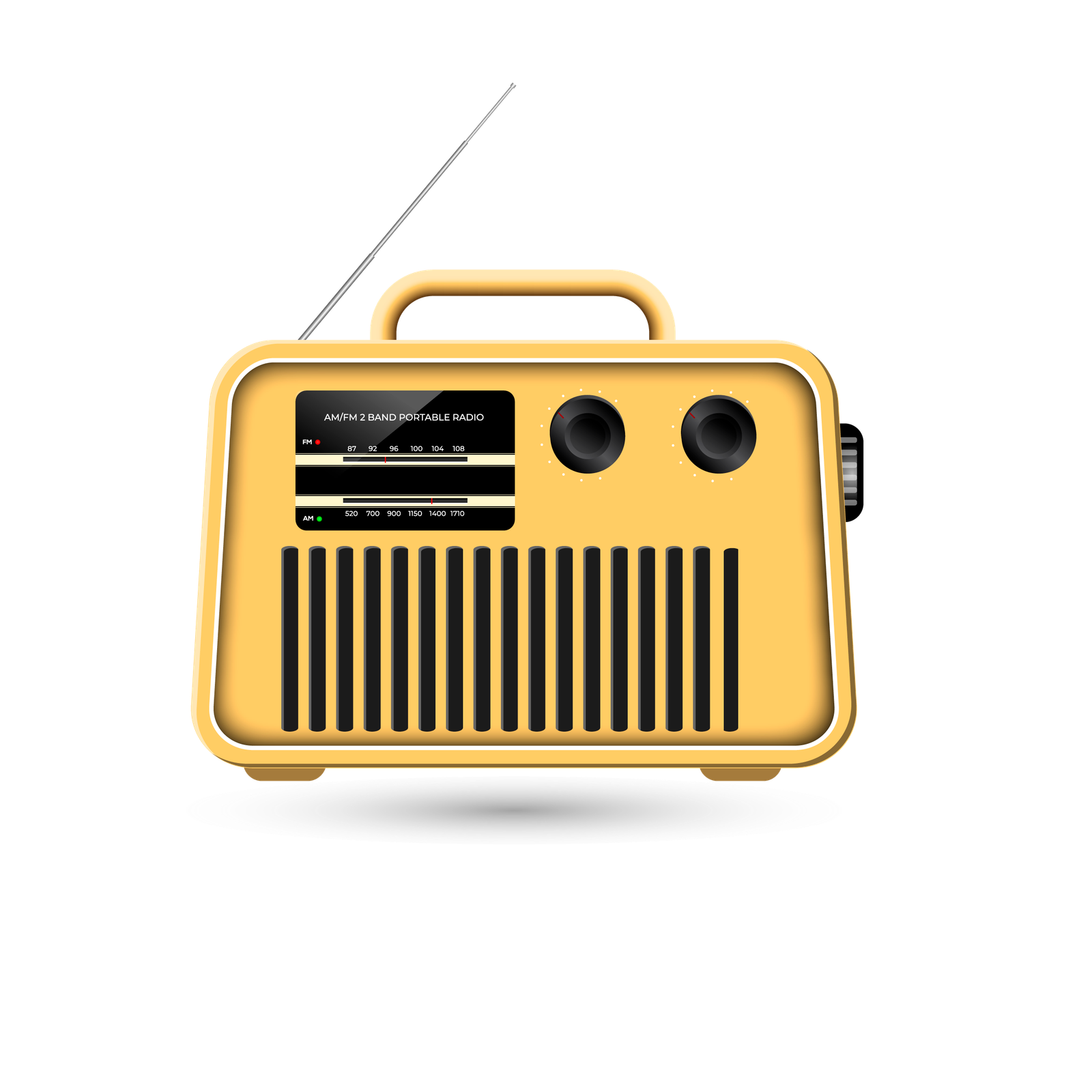
Live on the radio. Hover to tune in.
The segment plays on air, right on schedule. The clock fires, the pipeline runs, the station keeps talking.
 Voice
Voice
 On
Air
On
Air
 Listeners
hover to tune in