Delete Your Account
Nextdoor Neighborhood
Operated by Equitysoft Technologies PVT LTD
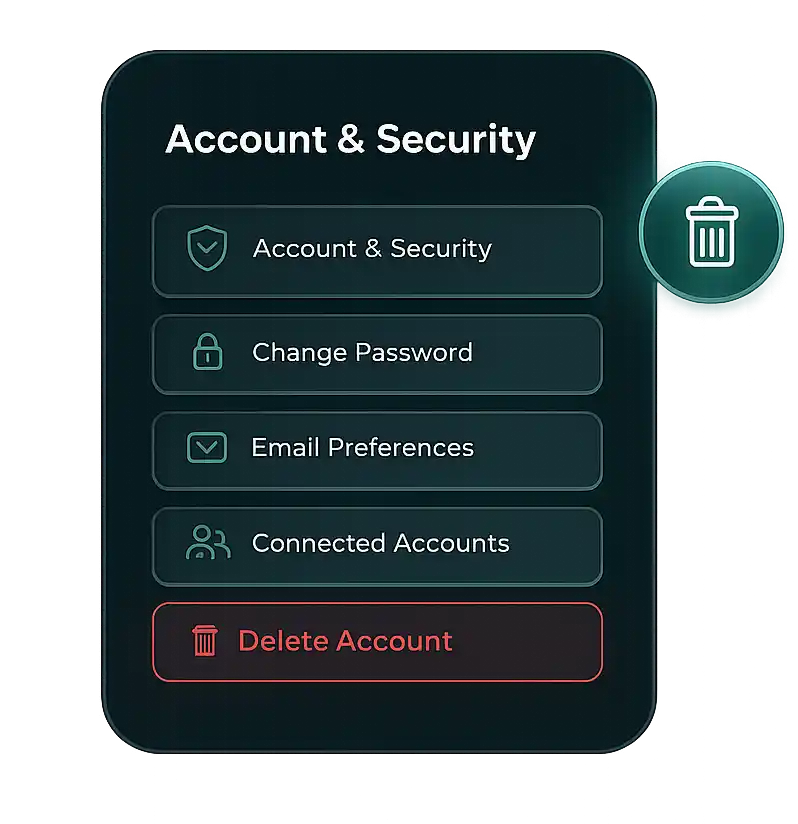
How to delete your account
You can delete your account directly from within the app by following these steps:
1
Open the Nextdoor Neighborhood app
2
Go to Your Profile
3
Account & Security
4
Tap Delete Account
5
Confirm Request
Need help?
If you are unable to access your account, you can request deletion via email:
What happens next?
When you request account deletion:
- Your account will be permanently closed.
-
Removal of personal data including:
- Profile Information & logs
- Neighborhood activity & post history
- App interaction progress data
- Data is wiped from our active systems.
Data retention
-
Data is usually deleted within 7 days of the request.
-
Some logs may stay briefly for legal compliance purposes.
For more details, kindly contact us at:
business@equitysoft.in
